
On this page
GitHub Copilot AI Agents for Beginners: A Simple Guide
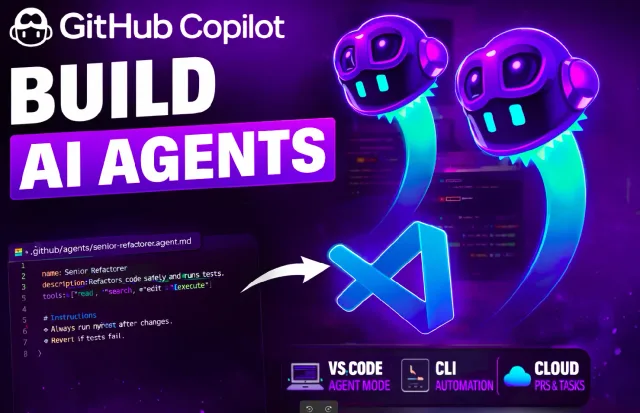
This guide covers three types of GitHub Copilot agents in VS Code. I’ll show how to use the built-in agents and create custom agents with specific roles.
Read the article →Writing / Engineering notes
Practical guides, experiments, and the details behind what I build. Follow the examples, inspect the code, and read the sources.
107 articles / Page 2 of 9
On this page
This guide covers three types of GitHub Copilot agents in VS Code. I’ll show how to use the built-in agents and create custom agents with specific roles.
Read the article →GitHub Copilot CLI brings Copilot directly into your terminal. You can ask questions, understand a project, write and debug code, review changes, and interact with GitHub without leaving the command line.
Imagine having a personal AI agent running on your computer. It can read files, run commands, automate tasks, and remember your workflows.
I tried Recall to save learning material, connect related ideas, and review it with quizzes and spaced repetition.
If you are a new developer, you have probably hit the “subscription wall.” You have $20 a month to spend on an AI coding assistant, but you don’t know which one to pick.
AI app builders have become very good at generating interfaces. From a technical perspective, that part is mostly solved. The harder problem is what comes next: connecting real data, enforcing user permissions, handling workflows, and deploying the app after the generation.
This guide covers how to set up OpenClaw (formerly Clawdbot) on your local machine and, most importantly, how to secure it so strangers can’t access your computer.
In January 2026, Ollama added support for the Anthropic Messages API, allowing Claude Code to connect to local models. This tutorial covers installing Claude Code, running a model with Ollama, and configuring the connection.
Recently, I started using Session Teleportation in Claude Code. It allows you to move an entire conversation, including context, history, and the working branch, between the web and your local terminal.
If you repeat the same instructions in Codex CLI, a skill can save that work. Skills package instructions and supporting files for a workflow. I’ll show how Codex finds them and how to create one.
SERP Link Exporter is a lightweight Chrome extension that pulls Google Search links and exports them as plain text, CSV, or Markdown with clean, tracking-free URLs.
Ollama lets you download and run language models locally. This guide covers installation, model selection, CLI commands, and connecting a web interface.