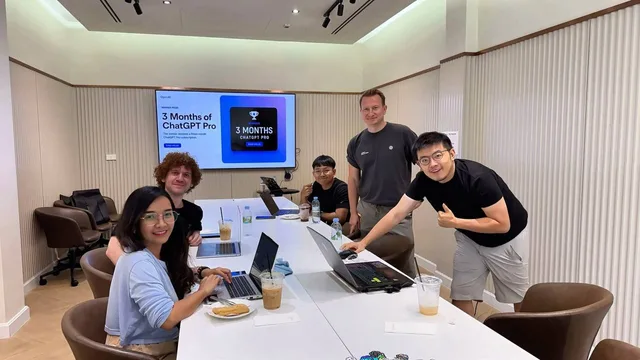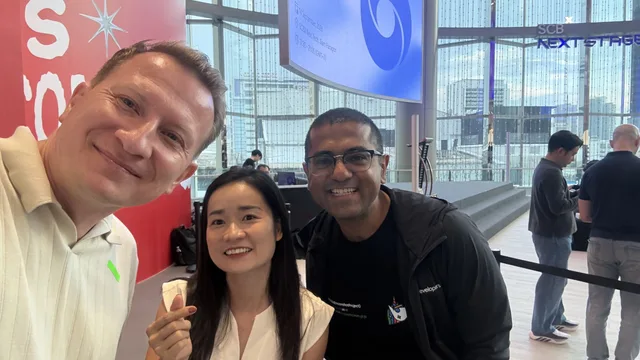
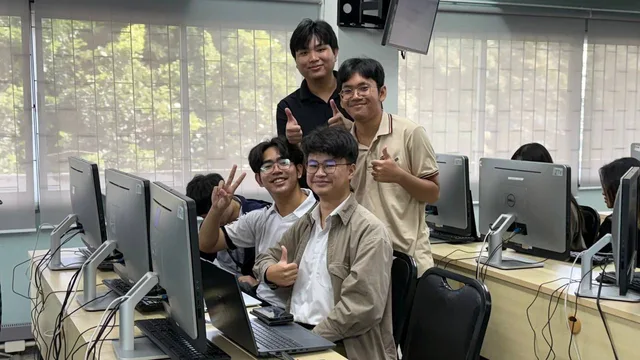
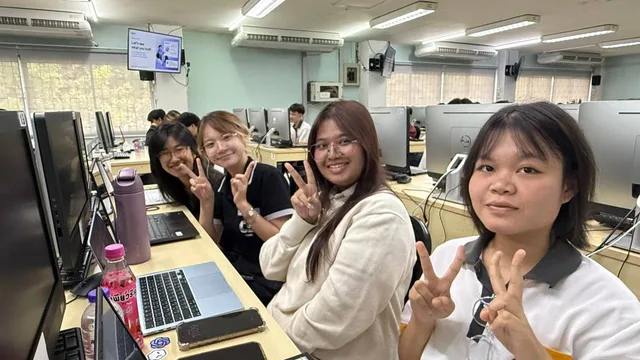
On September 12, 2026, I hosted Getting Started with Codex: A Hands-On Workshop for computer science students at Chiang Mai University. It was a free community meetup where students could share ideas and learn together through a hands-on workshop. We started with the basics of coding with Codex, put those ideas into practice on a real project, and then gave students a challenge: build something useful for yourself or your community.
This is a community-led event, not an official OpenAI event.
More than 70 people attended, with over 90% of registered participants joining. By the end, we had more than 10 project submissions, covering everything from learning computer science to finding a quiet place on campus and deciding what to cook at home.
I was impressed by the turnout, the range of ideas, and the design quality of some of the projects. The most exciting part was seeing students choose problems they understood from their own lives and turn them into something they could show.
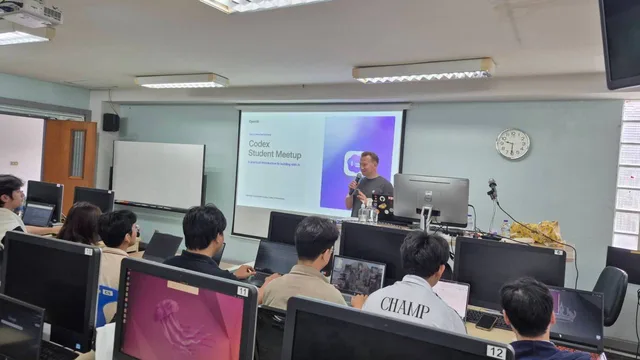
The workshop was designed to be approachable for students who had never used Codex before. Basic programming knowledge was helpful, but previous experience with Codex was not required.
From Codex Basics to a Real Project
The session followed a simple progression: learn the basics, try them in a project, and use that experience to build your own idea.
The workshop introduction introduced what Codex is, working with it in the command line and an IDE, giving it useful context, choosing a model for the task, and basic prompting techniques and common mistakes. These topics provided the starting point for our practical work.
For me, the useful connection between those topics is clarity. Before asking for code, you need to know what you want to build, what information the tool needs, and how you will decide whether the result does what you intended. A concrete project gives those questions a purpose.
We moved from the introduction into hands-on practice with a real project. That gave students a chance to try coding with Codex before taking on an idea of their own. The presentation was a starting point for experimentation, with the challenge giving everyone room to apply what they had learned.
The Challenge: Build Something Useful
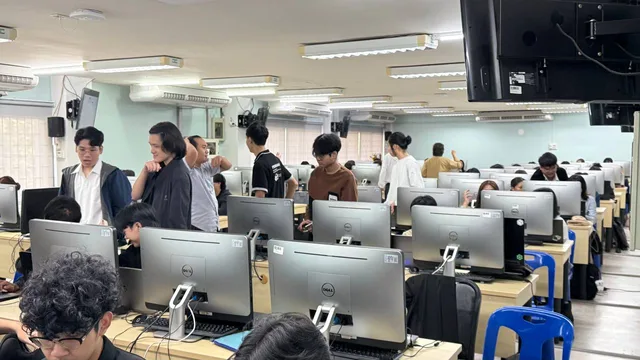
The challenge was open enough for students to choose a problem that mattered to them: create something useful for yourself or your community.
That brief led to a wide range of submissions. Some students focused on subjects they were studying. Others looked at campus life or everyday routines. With more than 10 projects submitted, we had plenty of different interpretations of what “useful” could mean.
I particularly liked how close the ideas were to the students' own experience. Understanding an algorithm, finding somewhere peaceful to read, and making a meal with the ingredients you already have are all specific needs. They give a project a clear reason to exist and a practical starting point for its design.
Student Project Highlights
These are four of the projects that stood out to me. There were many more submissions, and some had amazing designs. Together, they showed how much variety a simple challenge can produce.
BigOwl: Our Winning Project
BigOwl was the winner: a project that could help students understand the time and space complexity of code.
I thought this was a super cool idea for a computer science audience. Complexity is something students encounter throughout their studies, and a tool focused on helping them understand it connects directly to that learning process.
The idea also raises useful questions to explore while studying: how does the work an algorithm performs change as its input grows, and what extra memory does it need? Those are the kinds of questions that make BigOwl an interesting direction for a student project. I would love to see how the team develops it further.
Interactive Learning for Algorithms and Data Structures
Another standout was an interactive learning app for algorithms and data structures, combining detailed explanations with quizzes.
I liked the focus on both understanding a concept and checking what you have learned. An explanation gives you a way into the material; a quiz gives you a chance to see whether it has made sense. That combination made this a particularly relevant project for students learning these subjects.
It was also interesting to see two different approaches to supporting CS education: BigOwl focused on code complexity, while this app explored a broader interactive learning experience.
Finding Peaceful Places to Study at CMU
One project helped students find peaceful places around Chiang Mai University for studying and reading.
This is the kind of idea that feels immediately useful when you think about arriving at a new university. Knowing where to go for a quiet reading session can take time, especially while you are still learning your way around campus.
I could see this being especially helpful for newcomers. It takes knowledge about campus life and turns it into something other students could benefit from.
What Can I Cook with What Is in My Fridge?
Another student built an app to help people decide what to cook based on the ingredients they already have in their fridge.
It is a very relatable problem: you have some ingredients, but you still need an idea for a meal. Starting with what is available makes the app practical for everyday use and gives it a clear input and purpose.
I enjoyed seeing an idea like this alongside the education projects. The challenge left room for both coursework and daily life, and students made use of that freedom.
What Stayed with Me
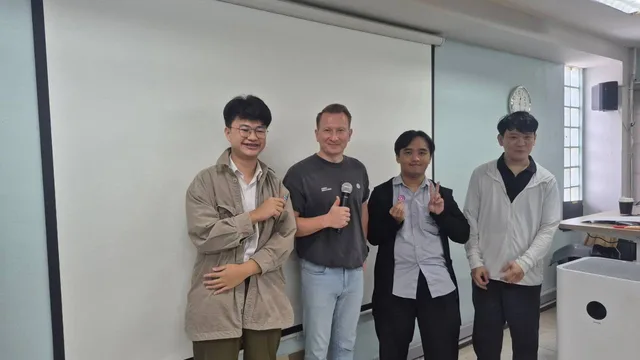
The attendance was a highlight on its own. Having more than 90% of registered participants show up, and more than 70 people in the room, was encouraging. Seeing more than 10 submitted projects made the morning even more rewarding.
I was also impressed by the attention to design in some of the submissions. When an idea is useful, a clear interface helps other people understand it and imagine using it. Seeing students pay attention to that side of building was great.
Most of all, I enjoyed the connection between learning and making. Students used the challenge to work on problems from their courses, their campus, and their routines. Those experiences gave them a starting point, and Codex gave them a tool to experiment with as they developed their ideas.
For anyone continuing a project after the workshop, my suggestion is to keep that original user need close: choose one important task, make it work well, and ask someone else to try it. Their questions will often show you what to improve next.
Thank You to CMU, OpenAI, and Everyone Who Joined
A big thank you to Chiang Mai University for supporting the event with the venue, food, and additional prizes for students. That local support helped make this workshop possible.
Thank you also to the OpenAI team for providing credits for students and prizes for the winners.
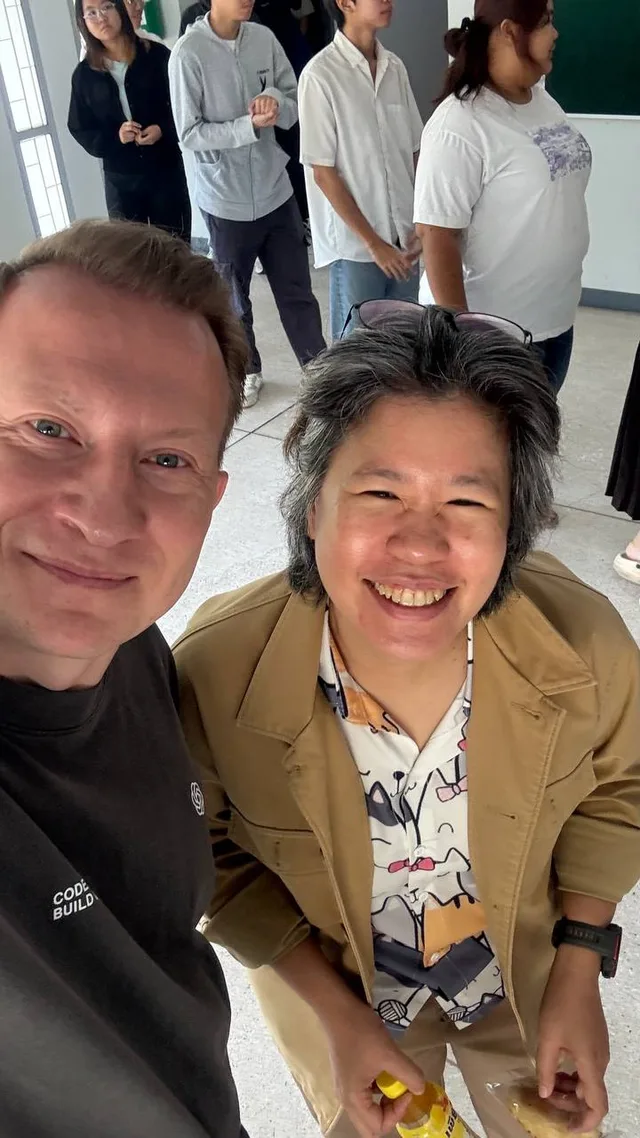
And thank you to every student who attended, experimented, and submitted a project. It was a pleasure to see your ideas, and I hope you keep building on them after the workshop.
More Codex Resources
- Explore my Codex events, tutorials, videos, and projects
- Read the previous Chiang Mai Codex Community Meetup recap
Cheers, proflead! ;)