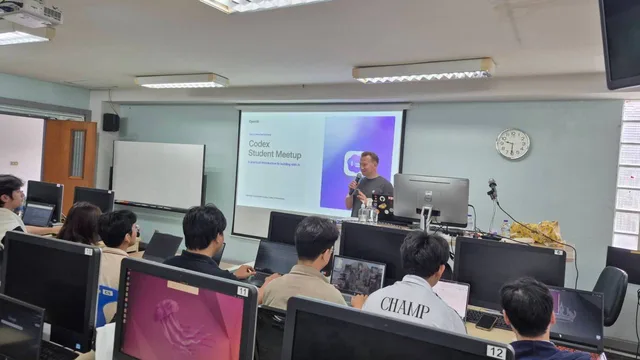
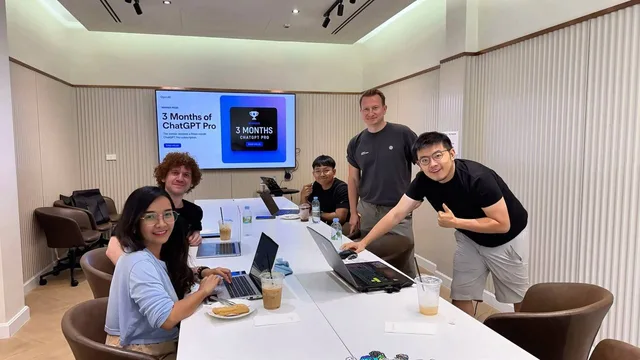
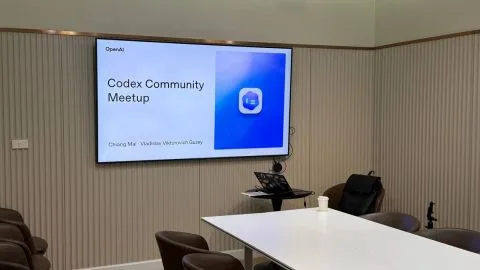
On August 29, 2026, I hosted the Codex Community Meetup in Chiang Mai, a free community meetup where like-minded people shared ideas, learned together, and tried AI agents in practical tasks.
This is a community-led event, not an official OpenAI event.
The meetup had two goals. First, I wanted everyone to leave with a clear mental model for choosing between ChatGPT, ChatGPT Work, and Codex. Second, I wanted us to build something useful before we left the room. We did not stop at slides or demos. Everyone picked a real repetitive problem and tried to automate it.
You can watch the full recording here: OpenAI Codex Community Meetup - Latest Updates + ChatGPT Work vs Codex. You can also see the original LinkedIn event recap and photo carousel.
Event at a Glance
| Date | August 29, 2026 |
|---|---|
| Time | 10:00 AM-12:30 PM ICT |
| Location | Chiang Mai, Thailand |
| Format | Free community meetup with introductions, product updates, practical guidance, demos, a 30-minute build challenge, and time to share ideas |
| Main topic | How ChatGPT Work and Codex complement each other |
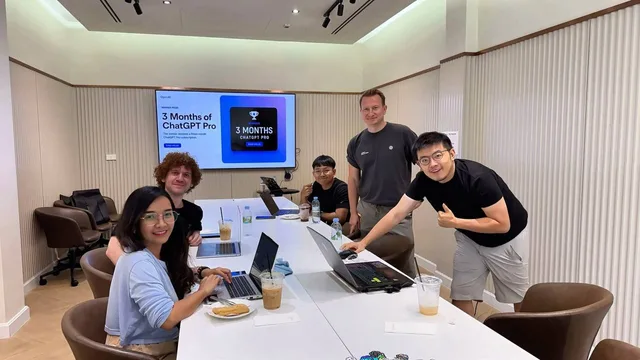
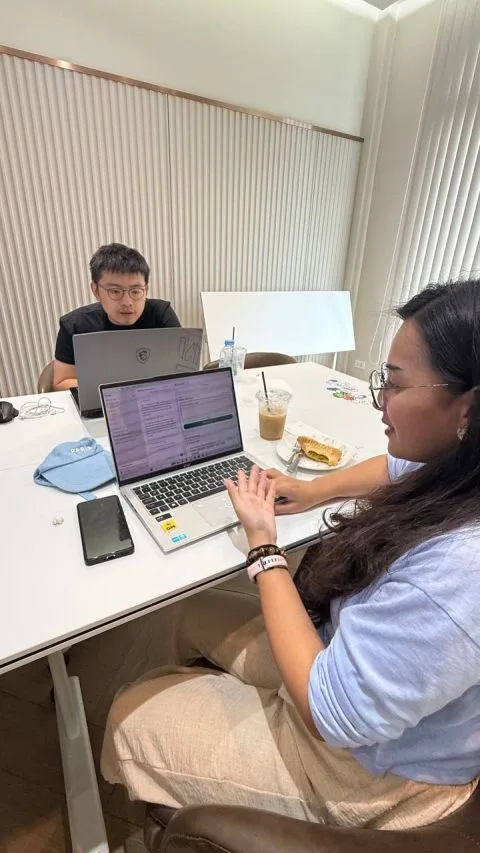
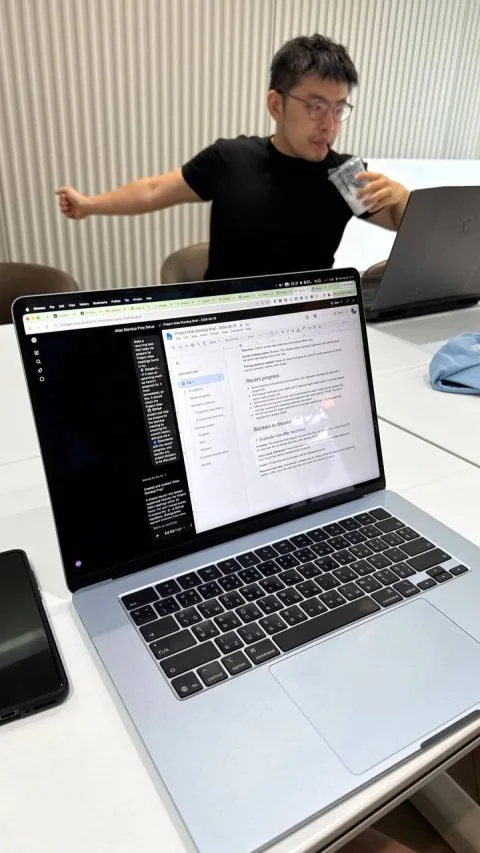
The intimate format was one of the best parts of the morning. It felt close to a one-on-one workshop: we could pause for questions, inspect each idea, and help turn individual problems into working solutions. That made the session more useful than a presentation where everyone only watches.
What We Covered
The agenda moved from context to action:
- Welcome and meetup introduction
- Community introductions and Codex experience levels
- Recent OpenAI and Codex updates
- ChatGPT Work vs Codex
- Practical use cases and short demos
- The “Automate One Annoying Thing” challenge
- Winner recognition, closing, and networking
I also introduced my work as a Codex Ambassador, developer, researcher, and creator of practical AI productivity tutorials. More importantly, everyone in the room introduced themselves and shared whether they were a beginner, intermediate, or advanced Codex user. That helped me adjust the examples and spend more time where people needed it.
The August 2026 OpenAI Updates We Discussed
The first content section was a fast tour of recent changes across ChatGPT Work and Codex. The aim was not to memorize a release list. It was to show how quickly the boundary between “asking AI” and “delegating work” is changing.
The deck highlighted:
- Event-triggered ChatGPT Work: supported events from tools such as Gmail, Slack, and GitHub can start a workflow for summaries, alerts, triage, or next steps.
- ChatGPT on Linux: the desktop experience expanded to Linux, making daily developer workflows easier to access across platforms.
- More capable Temporary Chats: temporary conversations can still use relevant tools and customization while staying outside normal conversation history.
- Transparent image generation: useful for reusable visual assets in slides, websites, documents, and product mockups.
- More natural Google Drive access: browse Drive, mention files, and open Docs, Sheets, and Slides as part of the conversation.
- Connected Codex chats: move chats between projects and reference earlier work so related tasks can share context.
- Apple Messages workflows: use Messages on macOS from ChatGPT Work or Codex for supported conversational workflows.
- Collaborative ChatGPT Sites: invite teammates to edit, refine, and publish the same site together.
- Pinned Codex chat sync: keep important work easier to find across supported desktop and mobile experiences.
- Multiple Google accounts: connect personal and work Google accounts when a workflow needs context from both.
Features, availability, and workspace controls can change, so use the official ChatGPT and Codex “What’s new” digest as the current source after reading this recap.
ChatGPT vs ChatGPT Work vs Codex
The central idea of the meetup was a simple decision rule:
Choose the interface based on the result you need to review.
| Tool | Best starting point | Typical result | What you review |
|---|---|---|---|
| ChatGPT | You need an answer, explanation, idea, or conversation | A response in chat | The reasoning and answer |
| ChatGPT Work | You need a finished professional deliverable or completed workflow | A report, deck, spreadsheet, analysis, document, or coordinated workflow | The deliverable, its sources, and approvals |
| Codex | You need a verified change in a codebase | Implemented and tested software | Diffs, commands, tests, and pull requests |
The categories overlap. Both ChatGPT Work and Codex can browse, use files and tools, run code, continue longer tasks, and ask for approval before sensitive actions. The important difference is the center of the task. Work is organized around a professional outcome. Codex is organized around a repository and a verifiable software change.
Local Work vs Cloud Work
We also compared where the work runs:
- Local Work uses files, applications, and browser context on your computer. It is useful when the task depends on your current local setup.
- Cloud Work continues across devices after you close the app or according to a schedule. It is useful for persistent or asynchronous work.
The execution environment changes what context the agent can access; it does not automatically make the answer better. Pick the environment that has the right files, tools, permissions, and review path.
A Practical Work-to-Codex Workflow
Mixed projects are where the tools become most powerful together. The workflow from the deck was:
- Work researches and prepares the decision package. It can gather context, compare options, and create a brief or specification.
- A human approves the scope and risk. This is where you check assumptions, boundaries, data access, and the intended outcome.
- Codex implements and tests the change. It works in the repository, edits the code, runs commands, and verifies the result.
- A human reviews the software change. Inspect the diff, test evidence, and anything that affects users or production systems.
- Ship the result. Merge, publish, or deploy only after the required checks and approvals.
For sensitive payments, user data, credentials, or production systems, explicit approval is essential. Delegation should make review easier, not remove responsibility.
A Copy-Ready Prompt Structure for ChatGPT Work
One slide gave participants a reusable way to define a Work task:
Context: [audience, purpose, and important background]

Use: [files, websites, projects, or connected tools]

Create: [exact deliverable, format, and structure]

Boundaries: [what must not be changed, sent, published, or assumed]

Before finishing: [checks to perform and anything to flag for review]
This structure works because it defines the outcome, the available evidence, and the safety boundaries without prescribing every small step.
The Hands-On Challenge: Automate One Annoying Thing
After the demos, we started a 30-minute challenge. The brief was deliberately simple: choose one real task that you repeat and automate at least two useful steps with ChatGPT Work, Codex, or both.
Each participant had to:
- Choose a genuine repeated task
- Automate two or more useful steps
- Show evidence that the workflow worked
- Pitch the problem, demo, and impact
We used sample data, no credentials, and no production systems. Those constraints let everyone experiment quickly without turning a short challenge into a security risk.
The deck included three recognition categories: Most Useful, Best Execution, and People’s Choice. It also highlighted $50 in Codex credits to keep building after the meetup and a three-month ChatGPT Pro winner prize.
What Made This Meetup Special
The strongest part of the event was not a single feature announcement. It was watching people move from curiosity to experimentation.
Because the group was small, we could explore each person’s problem, answer questions in context, and debug ideas together. Participants were not following one artificial tutorial. They were testing their own tasks, comparing approaches, and sharing what they learned with the room.
That is the kind of community format I want to keep building in Chiang Mai: approachable enough for a beginner, practical enough for an experienced developer, and focused on useful outcomes rather than hype.
Thank you to everyone who joined, asked questions, built something, and shared feedback. I look forward to seeing familiar and new faces at the next meetup.
Useful Links and Next Steps
- Watch the complete meetup video
- View the original LinkedIn recap and photos
- View the original event page
- Explore official ChatGPT and Codex use cases
- Read the ChatGPT and Codex documentation
- Get started with Codex CLI
- Learn about Codex cloud
- Find an official OpenAI meetup
- See my official Codex Ambassador profile
- Follow my Codex events, articles, videos, and open-source resources
Cheers, proflead! ;)