
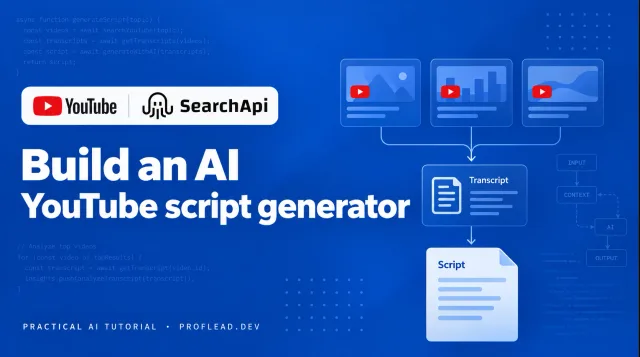
Latest engineering note
Build an AI YouTube Script Generator That Analyzes Top Performing Videos
Build an AI YouTube script generator that analyzes top-performing videos and uses their transcripts to draft a script.
Read the article
Vladislav Guzey / proflead
Developer · PhD researcher · Codex Ambassador
I build AI tools, research agentic systems, and help developers learn by building together.
01 / Field notes
Latest engineering note
Build an AI YouTube script generator that analyzes top-performing videos and uses their transcripts to draft a script.
Read the articleA free community meetup in Chiang Mai on October 17, 2026: sharing ideas, watching OpenAI DevDay demos, trying Codex, and building together.
Learn Codex Cloud step by step: connect GitHub, publish an environment, fix a bug, review tests, and open a PR. Includes pricing and limitations.
Connect your ChatGPT Dot to your computer and start a local Codex task. Follow the screenshots or watch the video walkthrough.
02 / Selected work
Web application / Finance
Understand your take-home pay. Compare estimates across 20 countries.
TypeScript / Tax models / Interactive globeObsidian plugin / Research
Bring papers, books, and research notes into your Obsidian workspace.
Knowledge management / Connected notes
03 / Beyond the screen
I host free Codex community meetups, including hands-on sessions at CMU, where like-minded people share ideas and learn by building together.
These are community-led events, not official OpenAI events.
Meet the communityOn YouTube / @proflead
AI tools, coding workflows, and hands-on tutorials. Follow along with my projects on YouTube.


