
On this page
Obsidian Tutorial: How to Use Obsidian Notes for Beginners
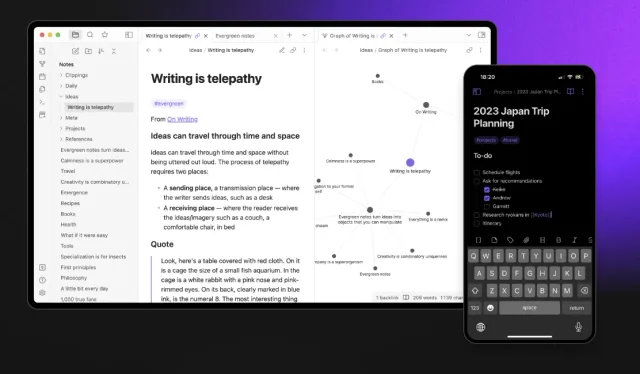
I use Obsidian to keep Markdown notes and connect related ideas. This guide covers creating a vault, writing notes, linking them, and using plugins.
Read the article →Writing / Engineering notes
Practical guides, experiments, and the details behind what I build. Follow the examples, inspect the code, and read the sources.
107 articles / Page 6 of 9
On this page
I use Obsidian to keep Markdown notes and connect related ideas. This guide covers creating a vault, writing notes, linking them, and using plugins.
Read the article →Hi everyone! Here are ten AI prompts I use for learning, planning, and everyday tasks. Each gives the model a specific role and a task to work on.
Here are ten books on clean code, debugging, system design, and focused work. I’ve included what each covers so you can choose one that fits what you want to learn.
Google announced Gemini 2.0 with new multimodal features and agent prototypes. I’ll cover the announcement and show a demo.
Grok is xAI’s assistant for chat and image generation, available through X. This guide explains how to access it and try its main features.
Vercel’s v0 generates web interfaces from text prompts. I’ll show how to create a first interface, refine it, and use the generated code in a project.
Napkin AI turns text into diagrams and illustrations. Here’s how I use it to explain an idea visually.
NotebookLM can turn source documents into an Audio Overview. I’ll show how I uploaded my notes, generated an audio discussion, and downloaded it to listen later.
I’ll show you how to use the OpenAI developer platform’s prompt generator. We’ll turn a short task description into a detailed prompt and test it in ChatGPT.
I tested ChatGPT Search and Perplexity AI on search tasks. Here’s how their answers, sources, and interfaces compared.
I tried NotebookLM and Perplexity Spaces for research. Here’s how they handle sources, questions, and shared workspaces.
This guide shows how to transcribe audio and video files locally with Whisper WebGPU. Once the model is downloaded, transcription runs on your computer.