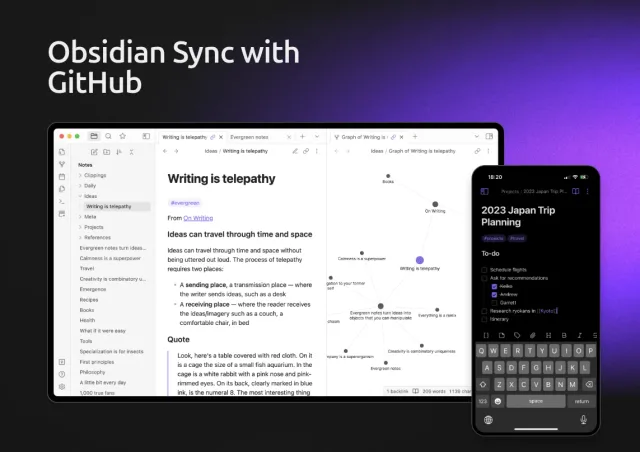
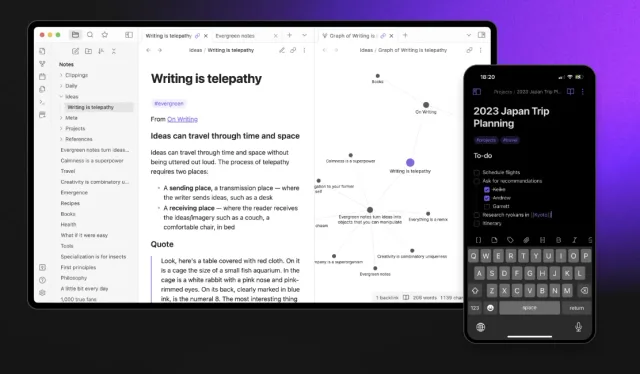

I use Obsidian to keep Markdown notes and connect related ideas. This guide covers creating a vault, writing notes, linking them, and using plugins.
What Is Obsidian?
Obsidian stores your notes as Markdown files and lets you link related notes. You can use it as a personal journal, a project notebook, or a wiki.
What Is Obsidian?
Obsidian stores your notes as local plain-text files. You can back them up or move them to another app.
To keep the same vault on your computer and phone, follow my Obsidian sync setup with GitHub.
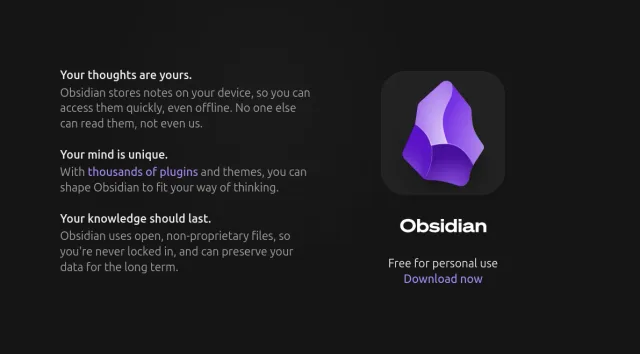
Here are a few reasons why I like Obsidian:
- Linked Notes: Imagine you’re writing about a book, and you want to connect it to notes about a specific idea, like “creativity.” With Obsidian, you can link one note to another, making it super easy to find related content.
- Local Storage: No cloud dependency! All your notes are stored on your device. This gives you control over your data and also means you can use it offline.
- Markdown Support: Obsidian uses Markdown, a simple formatting language that’s easy to learn.
- Customizable: Obsidian allows you to install plugins, change themes, and make your workspace look and feel the way you want.
- Free to Use: The core features are free forever, though there are optional paid plans for extra features.
Obsidian Tutorial: How to Get Started
Here’s how to set up Obsidian and create your first notes.
If you already have a vault and use it regularly, the Obsidian features guide covers shortcuts, search, and ways to navigate your notes.
Step 1: Download and Install Obsidian
- Visit Obsidian’s official website.
- Download the app for your operating system (Windows, macOS, or Linux).
- Install and open it. Once you launch it, you’ll be asked to create a new “vault.”

Step 2: Create Your First Vault
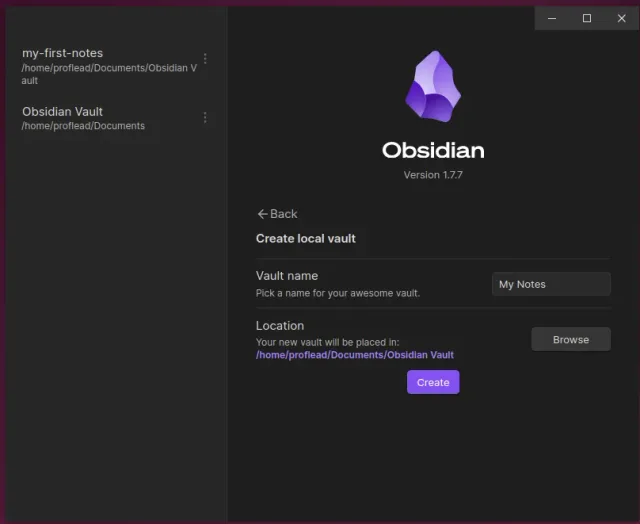
A vault in Obsidian is basically a folder where all your notes are stored. Here’s how you do it:
- Click “Create a new vault.”
- Give your vault a name (e.g., “My Notes” or “Personal Journal”).
- Choose a folder on your computer where the vault will be stored.
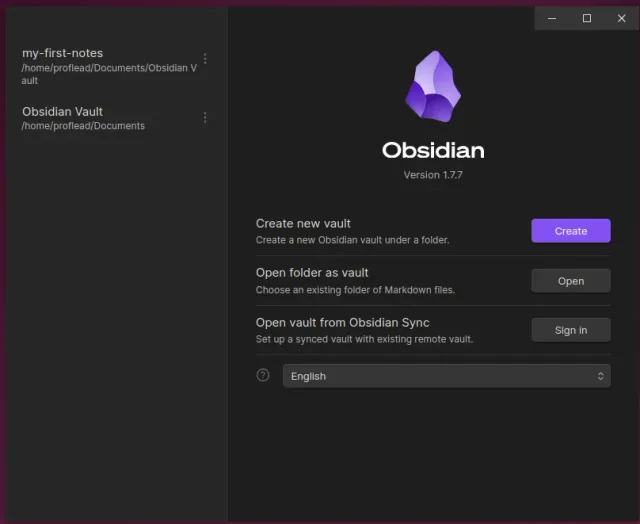
Now you’re ready to start taking notes!
Step 3: Make Your First Note
- Click the “New Note” button (the paper icon) inside your vault.
- A blank note will appear. Give it a title, like “My First Note.”
- Start typing your content in the note.
Step 4: Learn to Link Notes
Here’s the magic: note linking.
- To link one note to another, use double square brackets. For example, type [[My First Note]] in another note, and it will create a link to it if the note exists; if it doesn’t exist, Obsidian will create it for you. If you click the link, it’ll jump to that note.
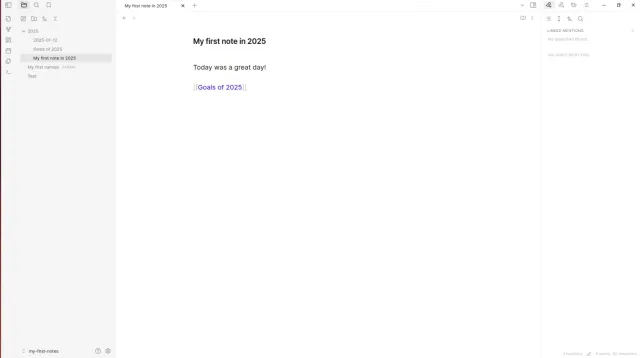
This is how you can create a web of connected ideas over time.
How to Use Obsidian Notes Effectively
Once you’ve got the basics down, here are some tips to help you maximize your use of Obsidian:
- Use Tags and Folders for Organization. You can add tags to your notes by typing # followed by a word, like #idea or #project. Also, you can organize your notes into different folders. Tags and folders help you categorize and find notes quickly.
- Explore Backlinks. One of the coolest features in Obsidian is the backlink panel. Every time you link notes together, Obsidian automatically shows you what other notes are connected.

- Plugins. Explore the plugin library to add extra features like task management, calendars, or advanced search.
- Use the Graph View. The Graph View gives you a visual map of all your notes and their connections. Over time, you’ll see how your ideas are linked in one big network.
Video Obsidian Tutorial
Watch on YouTube: How to Use Obsidian Notes
Conclusion
Learning how to use Obsidian might take some time, but it’s worth it. Start small by creating a few notes and linking them together. Over time, you’ll build a system that feels natural and powerful.
I hope this guide helps you get started. Happy note-taking! ;)