
Google announced Gemini 2.0 with new multimodal features and agent prototypes. I’ll cover the announcement and show a demo.
Exploring Gemini 2.0: Google’s New AI Model
Google announced Gemini 2.0 with new multimodal capabilities and tools for building agents.
What’s New with Gemini 2.0?
Agentic Experiences
Google also showed prototypes for agents that can carry out tasks. These included:
- Project Astra: A universal AI assistant that can understand and interact with the world around it, offering real-time assistance in multiple languages with the use of Google’s tools like Search, Lens, and Maps. This could potentially redefine how users interact with their environments through smart glasses or smartphones.
- Project Mariner: An experimental Chrome extension that can navigate and interact within a browser environment, performing tasks based on user instructions. This prototype showcases the potential for AI to manage web-based tasks, from filling forms to web research, directly from the browser.
- Jules: An AI coding agent designed to assist developers by handling repetitive coding tasks, bug fixes, and even planning within the GitHub workflow. This aims to streamline the development process, allowing developers to focus on more creative aspects of coding.
Multimodal Capabilities
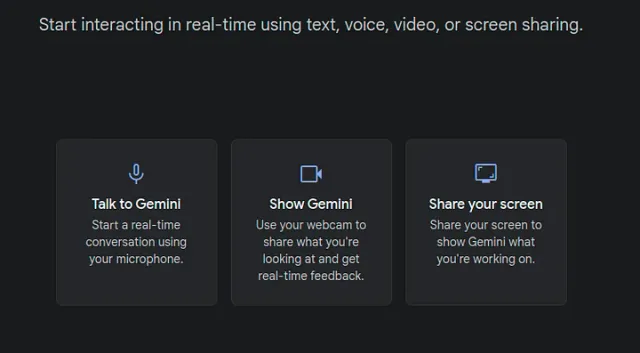
Gemini 2.0 introduces enhanced multimodal functionalities, allowing the model to understand, generate, and manipulate various forms of data, including text, images, audio, and video. With this update, Gemini can natively generate images and audio, a departure from previous models, which required external tools for such tasks. This integration means that Gemini can now provide a more fluid experience, where users can ask for images, audio descriptions, or even complex visual edits within the same conversation.
Speed and Performance
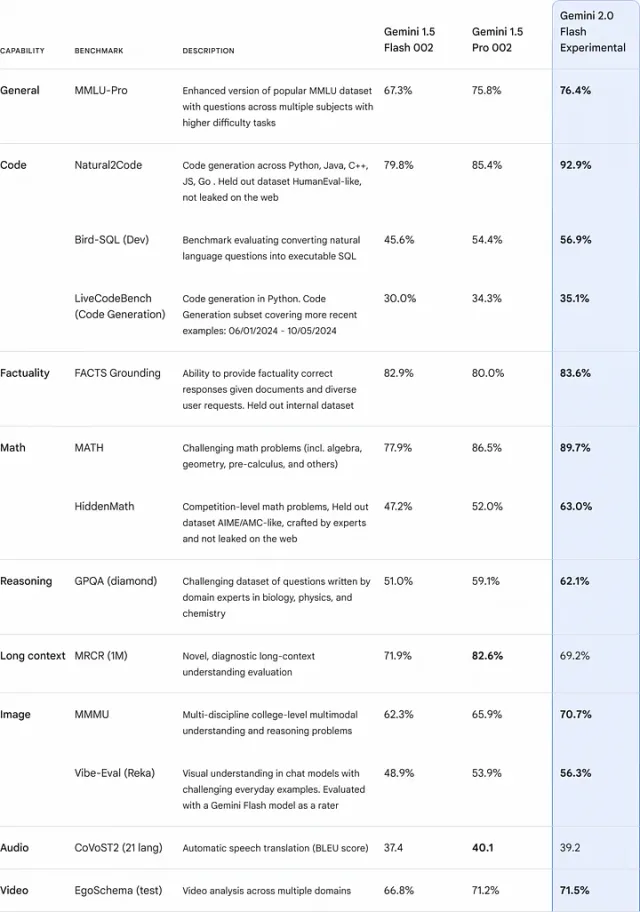
Google describes Gemini 2.0 Flash as faster than Gemini 1.5 Pro, with improved benchmark results. Lower latency matters for tasks such as live translation and interactive assistants.
Where Can You Try Gemini 2.0?
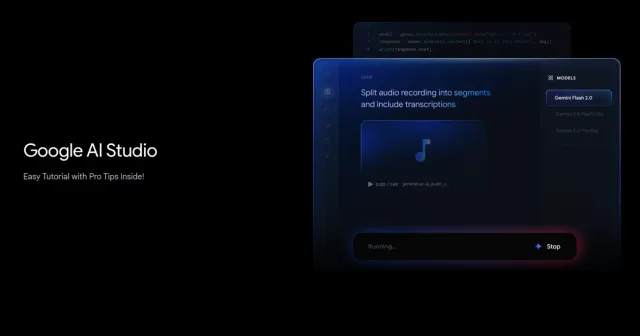
If you’re a developer or just curious about trying out Gemini 2.0, you can access it through the Gemini API in Google AI Studio (https://aistudio.google.com/) and Vertex AI. For those who want to experience it as a user, it’s available in the Gemini app as an experimental chat model. Just select it from the model drop-down menu on your desktop or mobile web.
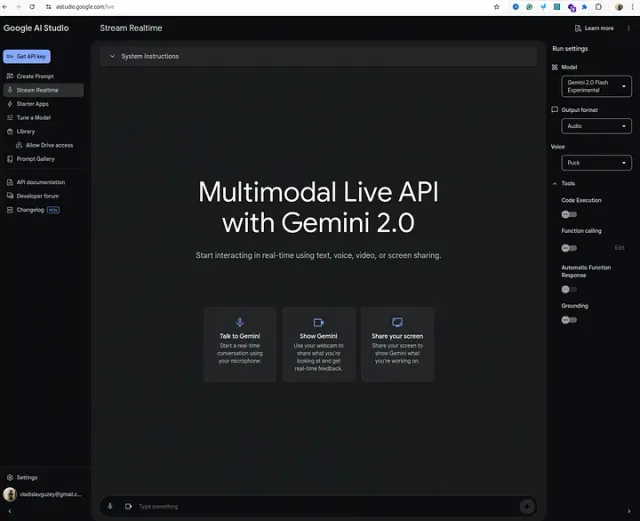
Video Demo
In my latest video, I showed how to access this AI and demonstrated its capability; please look.
Watch on YouTube: Gemini 2.0: How to use Gemini AI
Pricing Information
While specific pricing details have yet to be fully disclosed, Google typically offers different tiers for access to its AI models, depending on usage levels and required features. However, in Google AI Studio, you can try it absolutely free.
Conclusion
Try the demo above to see Gemini 2.0’s multimodal features. I’ll share more examples as the tools become available.
Please share your feedback in the comments below if you already tried it.
Cheers ;)