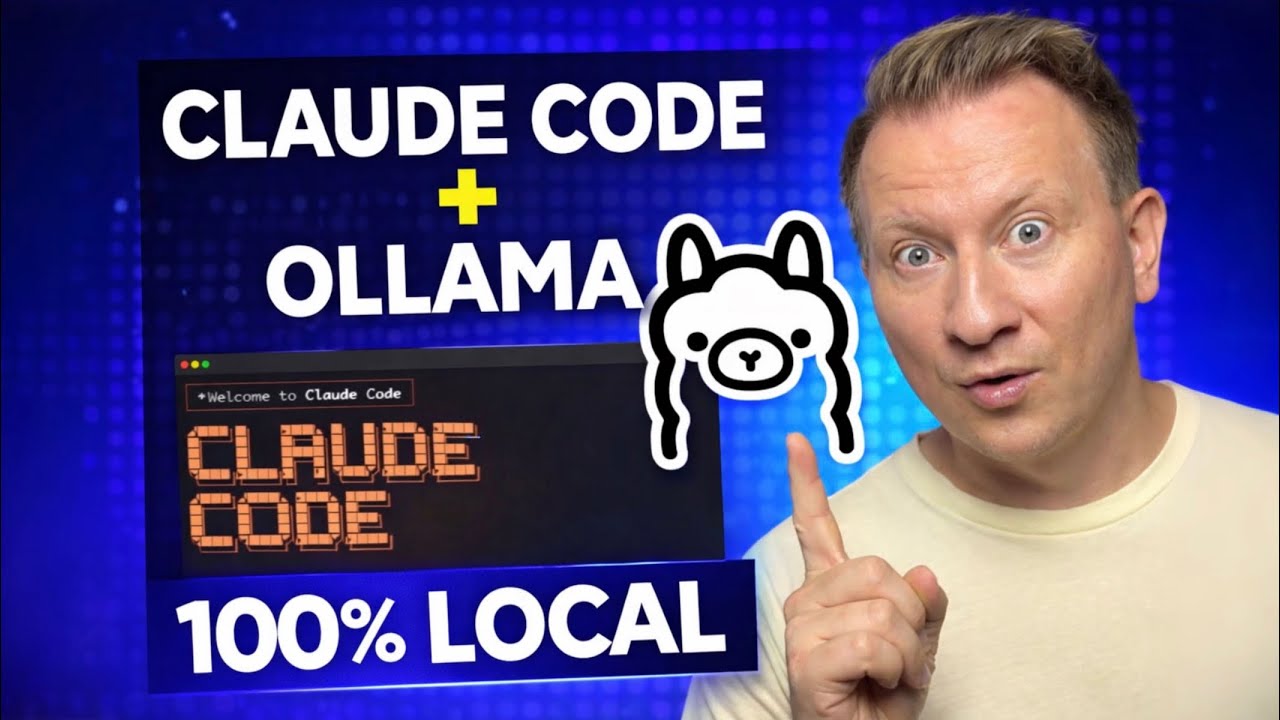
In January 2026, Ollama added support for the Anthropic Messages API, enabling Claude Code to connect directly to any Ollama model. This tutorial explains how to install Claude Code, pull and run local models using Ollama, and configure your environment for a seamless local coding experience.
Installing Ollama
Ollama is a locally deployed AI model runner that lets you download and run large language models on your own machine. It provides a command-line interface and an API, supports open models such as Mistral and Gemma, and uses quantization to make models run efficiently on consumer hardware. A model file allows you to customise base models, system prompts, and parameters (temperature, top-p, top-k). Running models locally gives you offline capability and protects sensitive data.
To use Claude Code with local models, you need Ollama v0.14.0 or later. The January 2026 blog notes that this version implements Anthropic Messages API compatibility. For streaming tool calls (used when Claude Code executes functions or scripts), a pre-release such as 0.14.3‑rc1 may be required.
curl -fsSL https://ollama.com/install.sh | sh
After installation, verify the version with ollama version.
Pulling a model
Choose a local model suitable for coding tasks. You can see the full list on https://ollama.com/search website. Pulling a model downloads and configures it. For example:
# Pull the 20 B parameter GPT‑OSS model
ollama pull gpt-oss:20b
# Pull Qwen Coder (a general coding model)
ollama pull qwen3-coder
To use Claude Code’s advanced tool features locally, the article Running Claude Code fully local recommends GLM-4.7-flash because it supports tool-calling and provides a 128K context length. Pull it with:
ollama pull glm-4.7-flash:latest
Installing Claude Code
Claude Code is Anthropic’s agentic coding tool. It can read and modify files, run tests, fix bugs, and even handle merge conflicts across your entire code base. It uses large language models to act as a pair of autonomous hands in your terminal, letting you vibe-code (describing what you want in plain language and letting the AI generate the code).
curl -fsSL https://claude.ai/install.sh | bash
From your terminal, run:
export ANTHROPIC_AUTH_TOKEN=ollama
export ANTHROPIC_BASE_URL=http://localhost:11434
# Launch the integration interactively
ollama launch claude
Then you will see the model list that you installed in the previous step. Select the one you want to test, then hit Enter.
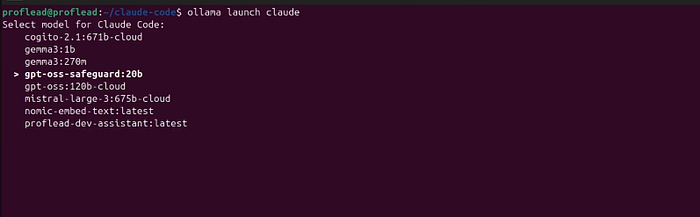
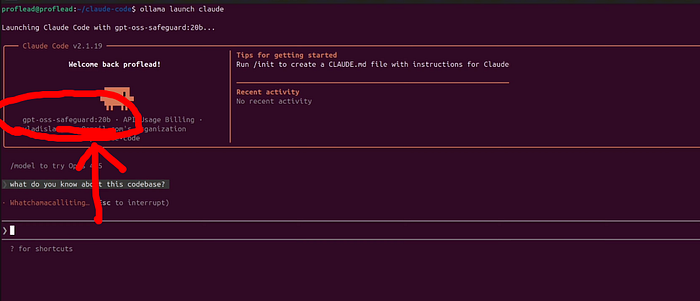
And that’s it! Now your Claude code works with Ollama and local models.
Video Tutorial
Watch on YouTube: Claude Code with Ollama
Summary
By pairing Claude Code with Ollama, you can run agentic coding workflows entirely on your own machine. Don’t expect the same experience as with the Anthropic models!
Experiment with different models and share with me which one worked the best for you!
Cheers! ;)