
ChatGPT Canvas gives you a workspace for drafting text and editing code alongside a conversation. I’ll cover its editing tools and show how to use them.
What is Canvas?
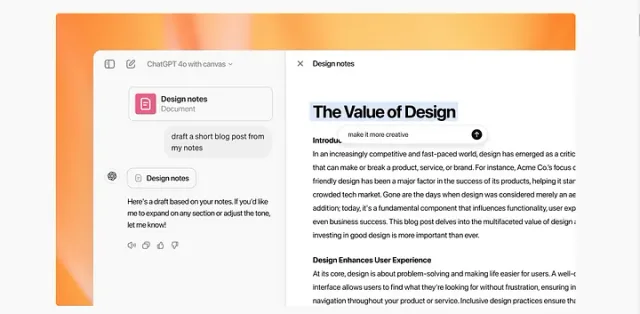
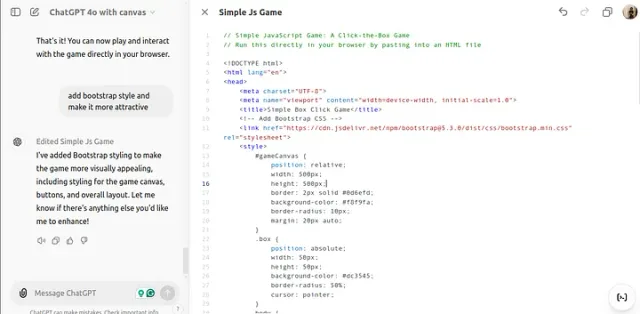
Canvas opens a writing or coding workspace alongside the chat. You can generate a draft, select sections, and ask for edits. At the time of this tutorial, it was in beta for ChatGPT Plus and Team users, with broader access planned.
Key Features of Canvas
Enhanced Collaboration
Canvas opens a separate window for your projects, allowing you to collaborate with ChatGPT more effectively. You can highlight specific sections of text or code to receive targeted edits or suggestions from the AI.
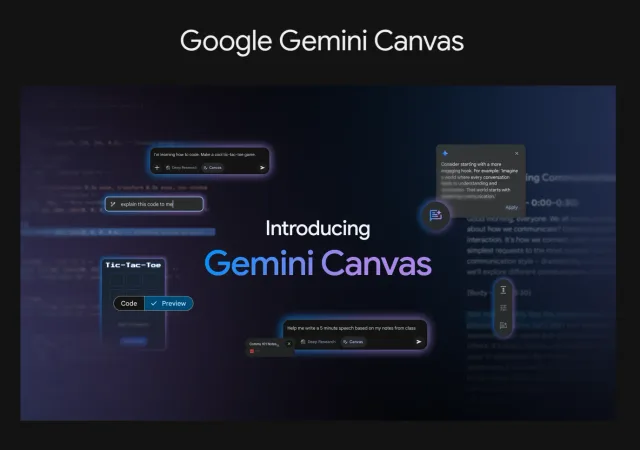
For a similar document-and-code workspace in Google’s tools, see the Gemini Canvas walkthrough.
Writing
Canvas offers several features to improve your content:
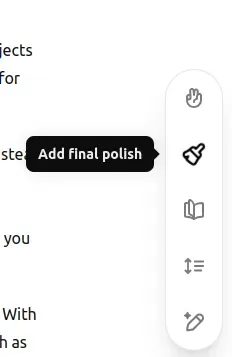
- Adjust Length: You can easily shorten or lengthen your document.
- Change Reading Level: Adjust the complexity of your text to suit different audiences, from kindergarten level to graduate school.
- Add Final Polish: ChatGPT can refine your text for grammar, clarity, and consistency.
- Emojis and Formatting: Add emojis for emphasis and use basic markdown formatting for better presentation.
You can do all of this with just a click on the icon. So easy :)
Coding Assistance
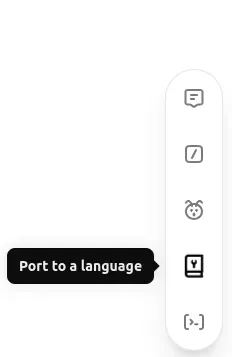
Other cool features will be helpful for programmers.
- Code Review: Get suggestions for improving your code.
- Add Comments: Automatically generate inline documentation to explain code sections.
- Debugging: Identify and fix bugs in your code with ease.
- Language Translation: Convert code between different programming languages with just a few clicks.
How to Use ChatGPT Canvas
To start using Canvas, select “GPT-4o with canvas” from the model selector on the ChatGPT dashboard. The interface will automatically open when ChatGPT detects that a separate workspace could be beneficial, such as for more extended outputs or complex coding tasks.
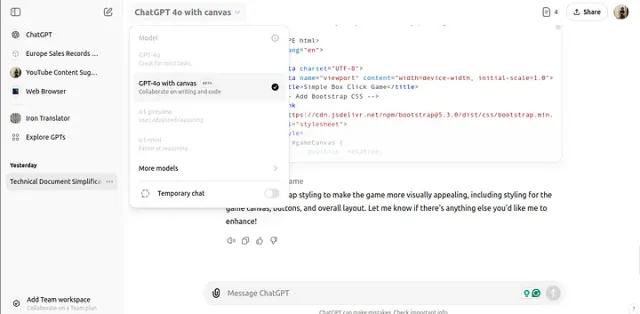
Users can also manually trigger Canvas by including “use canvas” in their prompts.
Video Tutorial about OpenAI Canvas
Please watch my video review to see Canvas in action.
Watch on YouTube: ChatGPT Canvas
Conclusion
I’ll keep testing Canvas to see where it fits into my writing and coding workflow.
If you tried Canvas, share your feedback in the comments. ;)