


Watch on YouTube: AI Tool That’s Redefining Prompt Engineering
Anthropic’s prompt generator turns a short task description into a more detailed prompt. I’ll show how to use it and compare the generated prompt’s results in the console.
What is Prompt Engineering?
Prompt engineering means writing instructions for an AI model. A useful prompt explains the task, supplies relevant context, and describes the output you need.
You can compare the workflow below with the OpenAI prompt-generator tutorial using the same task description.
AI Prompt Generator
Anthropic’s prompt generator expands a short task description into structured instructions. At the time I tested it, eligible accounts could request a $5 credit; availability varied by country.
Get Started with Anthropic Prompt Generator
To access the prompt generator, open the website https://console.anthropic.com/ and apply for an account there.
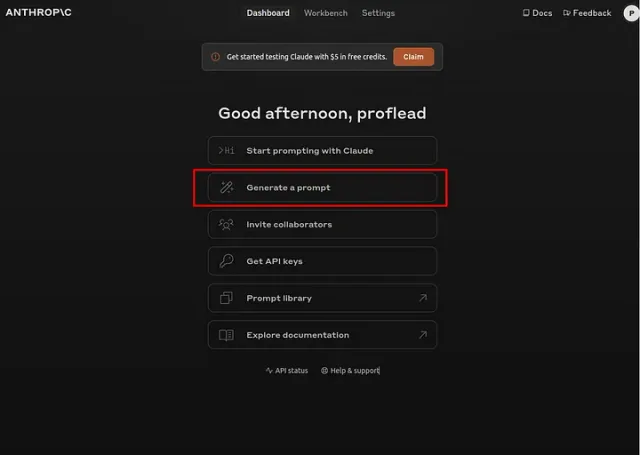
After registration, you will be redirected to the user dashboard, where you can see all the available tools, including a Prompt Generator.
How Does It Work?
First, you need to add the credit. As I mentioned, you can request a free 5 USD for your tests.
Using the prompt generator is straightforward. Click on the link “Generate a prompt” and then start by entering a simple prompt, such as asking for a YouTube video title.
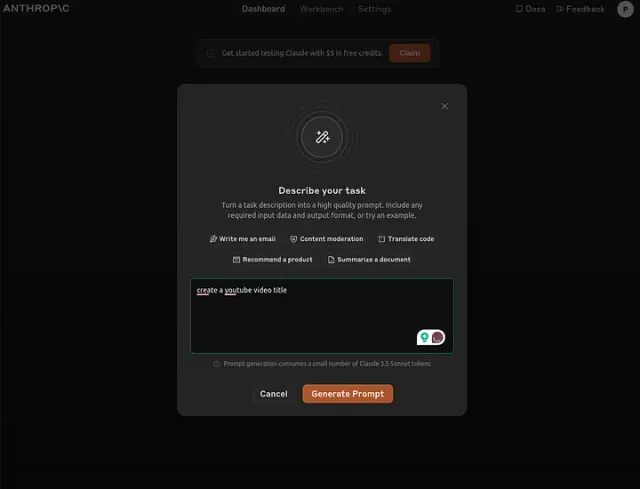
The generator adds details such as a role, examples, and instructions for working through the task. Review these details to make sure they match what you need.
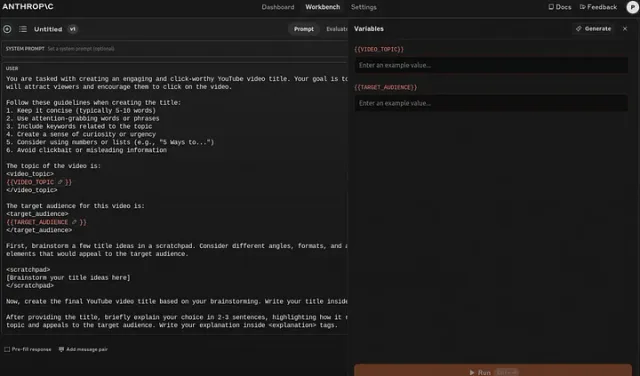
One of the standout features is using XML variables, allowing you to customize the prompt template with your text. This flexibility makes it easy to adapt the generated prompts for various applications.
If you want to know more about the generator, read this article.
Once you’ve generated a prompt, you can run it directly on Anthropic’s console. The interface allows you to input variables and execute the prompt to see the results.
A handy feature is evaluating and comparing results from different prompts. This way, you can select the one that best meets your needs.
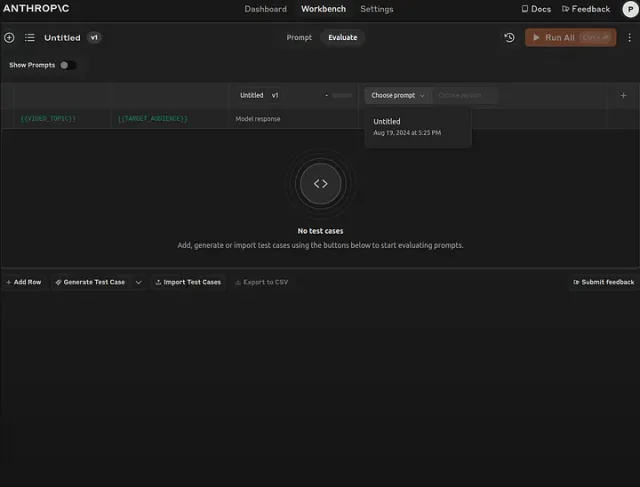
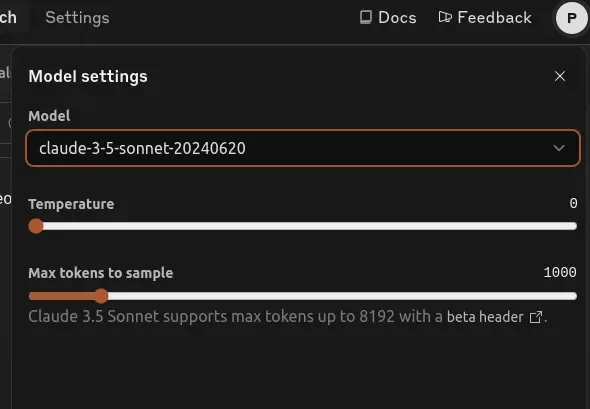
Additionally, if you plan to use AI in the console, you can choose from various language models and adjust settings like temperature, affecting the generated text’s creativity and predictability.
However, if you don’t want to use AI from the console, you can copy and use the prompt in any other AI.
What is the Cost of a Prompt Generator
The Anthropic didn’t mention the exact cost, but I’ve noticed that generating prompts costs 0.03 USD, while running them costs about 0.05 cents.

Conclusion
Try your original prompt and the generated one on the same task. Compare the results before choosing which to use.
If you like this tutorial, please click like and share. You can follow me on YouTube, join my Telegram, or support me on Patreon. Thanks! :)