
NotebookLM can turn source documents into an Audio Overview. I’ll show how I uploaded my notes, generated an audio discussion, and downloaded it to listen later.
Why Listen to Your Notes?
Audio summaries are useful when you want to review notes while walking or travelling. NotebookLM can generate a discussion from the sources you provide.
Whether you’re a student trying to review lecture notes or a professional preparing for a big presentation, converting written material into something engaging takes time and effort.
I wanted a way to review long notes while travelling or exercising, which is why I tried NotebookLM’s audio feature.
What Is NotebookLM and How Does It Work?
NotebookLM lets you ask questions about your sources and generate an audio discussion from them.
For a broader look at working with sources and asking research questions, see my NotebookLM and Perplexity Spaces comparison.
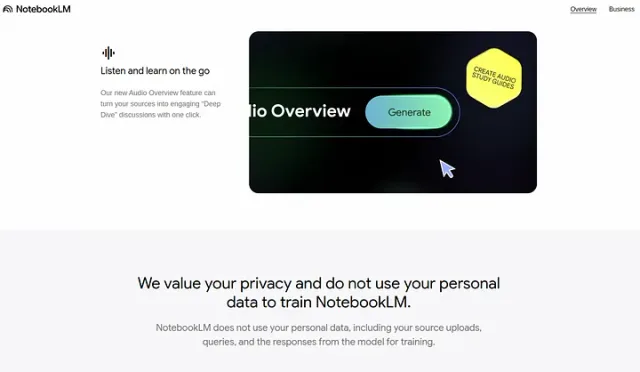
Here’s how I used it:
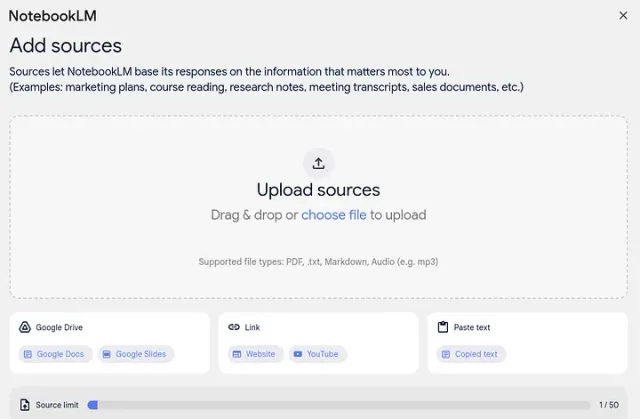
- Upload your content: I started by uploading my notes, articles, or YouTube video links into NotebookLM.
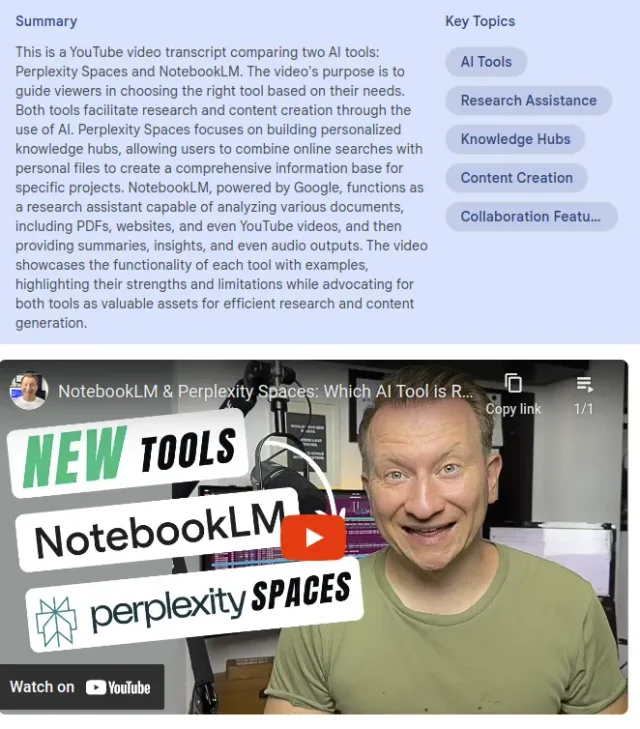
- AI Analysis: The AI analyzed the material, breaking it into clear, logical sections. This was great because it identified the key points I needed to focus on.
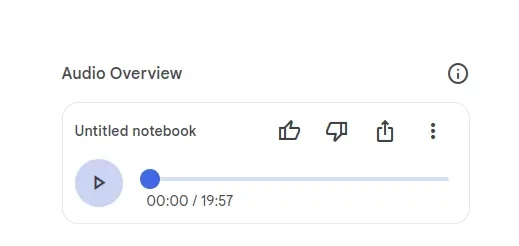
- Text-to-Audio Conversion: The tool generated an audio discussion from my notes. I found the pacing and tone easier to listen to than a straight reading of the text.
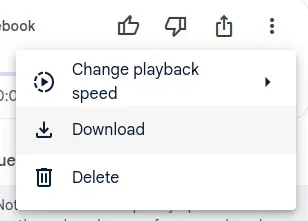
- Download and Listen: I downloaded the generated audio to listen on my phone. You can also create a shareable link to open it on another device.
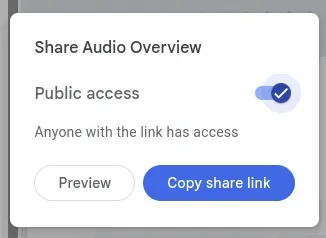
The process was so intuitive that I barely had to do any editing, which saved me hours of work.
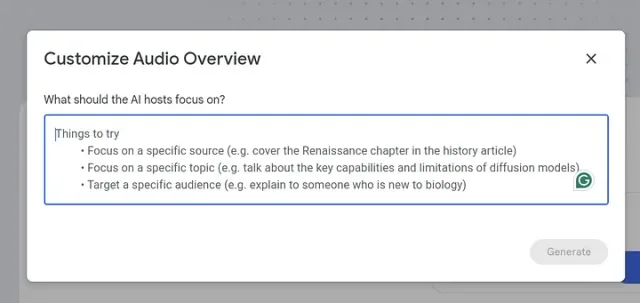
Another cool feature is that you can Customize Audio Overview. You can specify the focus and add instructions for your podcast. This means you can focus on a specific aspect of the subject.
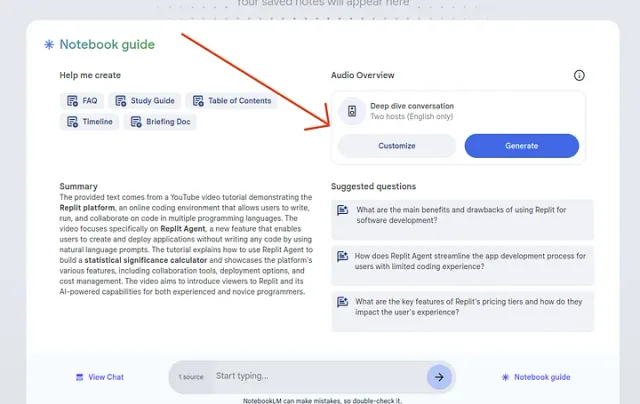
This is the example of the podcast: https://notebooklm.google.com/notebook/1076c05e-4438-41db-b44c-2335d5859c24/audio
Why NotebookLM Is Perfect for Learners and Creators
Before NotebookLM, I often felt stuck. My notes would pile up, and the thought of reviewing them felt overwhelming. But now, I can turn my notes into audio, plug in my headphones, and listen to it on the go or before bedtime.
I find the audio useful for revisiting my notes when I’m away from my desk.
Other ways to use Audio Overviews include:
- Students: Simplify your study material into audio for easier revision.
- Professionals: Prepare presentations or training sessions while multitasking.
- Content Creators: Turn your ideas into podcasts effortlessly, saving time and boosting productivity.
NotebookLM bridges the gap between written and spoken content, making it accessible to everyone.
Video DEMO: How to Use NotebookLM Podcast
Watch on YouTube: NotebookLM Podcast Demo
The most beautiful part is that NotebookLM is entirely free. So give it a shot and share with me your experience.
Cheers!