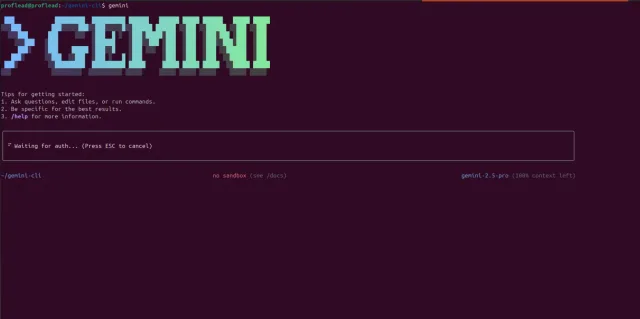
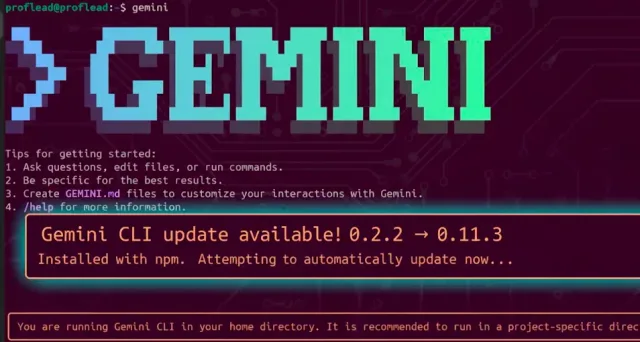
The Gemini CLI is an open-source command-line tool that brings the power of Gemini (by Google) to your terminal. Keeping it up to date means you’ll get the latest features, fixes, and better performance. In this simple tutorial, I'm going to show how to update your Gemini CLI to the latest version.
How to Update Gemini CLI
Follow these simple steps depending on how you installed it.
1. Check your Gemini CLI current version
Open your terminal and type:
gemini --version

2. Update if you installed via npm (globally)
If you installed the CLI globally using npm, run:
npm install -g @google/gemini-cli@latest
Or you can use:
npm update -g @google/gemini-cli
3. If you use npx (no global install)
If you run the CLI directly via npx, you don’t need to update manually. Just run:
npx https://github.com/google-gemini/gemini-cli
4. Verify the update
After updating, run the command below to be sure you’re on the new version.
gemini --version
Then test a simple command like:
gemini --help
Conclusion
Updating the Gemini CLI is quick and keeps your tools sharp. The key steps: check version, update via npm (or use npx), and verify the update.
After the update, you can resume an earlier Gemini CLI session or try project instructions and custom commands in your next task.
For more in-depth details and tutorials about Gemini please check these links:
- Gemini CLI + MCP: Complete Install in Minutes
- Official GitHub repo: google-gemini/gemini-cli
- Official docs: Gemini CLI Documentation on Google Cloud