
When I work with multiple AI coding agents, keeping their instruction files consistent takes extra work. AGENTS.md gives compatible agents a shared place to read project instructions.
The Problem with Competing Standards
For a while now, working with different AI agents meant juggling multiple configuration files. Whether it was claude.md, gemini.md, or .cursor/rules, each agent had its own format. This created a mess of redundant files that all needed to be updated separately. It was inefficient and confusing.

AGENTS.md provides a shared location for project instructions that compatible coding agents can read.
What is AGENTS.md?
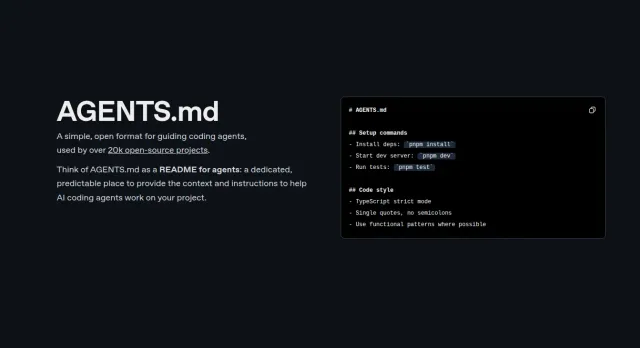
Think of AGENTS.md as a README file, but for machines. It’s a simple, open-source format that guides AI coding agents on how to interact with your project. It’s already being used by over 20,000 open-source projects.
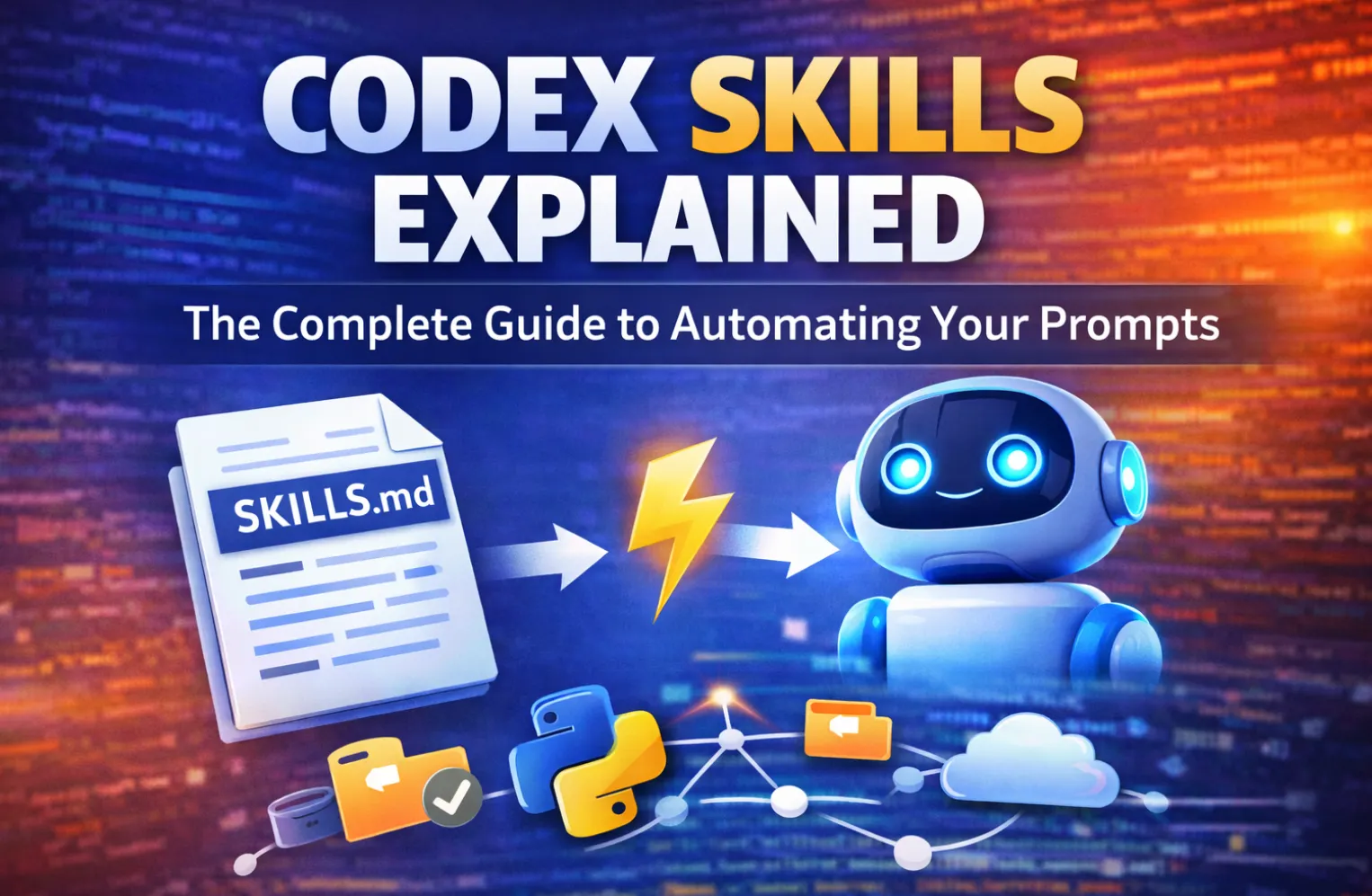
For a task you repeat across projects, such as a code review or release checklist, you can also package the workflow as a Codex skill.
AGENTS.md provides all the necessary context for an AI to understand and work on your code, including:
- Setup Commands: Instructions on how to install dependencies and build the project.
- Code Style: Rules on formatting and design patterns to ensure consistency.
- Testing: How to run tests to verify changes.
- Commit Guidelines: Preferred formats for commit messages and linting rules.
- Custom Notes: Any other important information, like security considerations or performance tips.
Look at the example below.
Agents.md example
# Sample AGENTS.md file

## Dev environment tips
- Use `pnpm dlx turbo run where <project_name>` to jump to a package instead of scanning with `ls`.
- Run `pnpm install --filter <project_name>` to add the package to your workspace so Vite, ESLint, and TypeScript can see it.
- Use `pnpm create vite@latest <project_name> -- --template react-ts` to spin up a new React + Vite package with TypeScript checks ready.
- Check the name field inside each package's package.json to confirm the right name; skip the top-level one.

## Testing instructions
- Find the CI plan in the .github/workflows folder.
- Run `pnpm turbo run test --filter <project_name>` to run every check defined for that package.
- From the package root you can just call `pnpm test`. The commit should pass all tests before you merge.
- To focus on one step, add the Vitest pattern: `pnpm vitest run -t "<test name>"`.
- Fix any test or type errors until the whole suite is green.
- After moving files or changing imports, run `pnpm lint --filter <project_name>` to be sure ESLint and TypeScript rules still pass.
- Add or update tests for the code you change, even if nobody asked.

## PR instructions
- Title format: [<project_name>] <Title>
- Always run `pnpm lint` and `pnpm test` before committing.
How to Migrate to AGENTS.md
Migrating to AGENTS.md is straightforward. You can consolidate your existing instruction files in just two simple steps using your terminal:
- Rename your file: Use the command mv AGENT.md AGENTS.md to rename your primary instruction file.
- Create a symbolic link: Use ln -s AGENTS.md AGENT.md to create a symbolic link. This ensures backward compatibility with any tools that haven’t been updated to the new standard yet.
How to Use AGENTS.md
Getting started with AGENTS.md is easy:
- Add the file: Create an AGENTS.md file at the root of your repository.
- Cover what matters: Add sections for project overview, build and test commands, code style guidelines, and any other relevant instructions.
- Add extra instructions: Include commit messages, pull request guidelines, and anything else a new teammate would need to know.
Agents.md Best Practices
To get the most out of AGENTS.md, here are a few best practices to follow:
- Be explicit and concise: Keep your instructions clear and to the point.
- Keep instructions up to date: Make sure the file is always current with your project’s needs.
- Link to existing docs: Instead of duplicating information, link to your existing documentation.
- Use multiple files for monorepos: For large monorepos, you can use nested AGENTS.md files for different subprojects.
Video Overview about Agents.MD
Watch on YouTube: agents.md explained
And that’s it! By adopting the AGENTS.md standard, you can streamline your workflow, ensure consistency, and make it easier for AI agents to work with your projects.